
Integrations
HubSpot Integration
BillulloNex Agentic System integrates with HubSpot to bring AI-powered intelligence to your CRM data. By connecting your HubSpot account, you can use natural language to search, analyze, and retrieve insights from your contacts, companies, and deals.
Installation & Setup
Connecting BillulloNex to HubSpot is simple and secure.
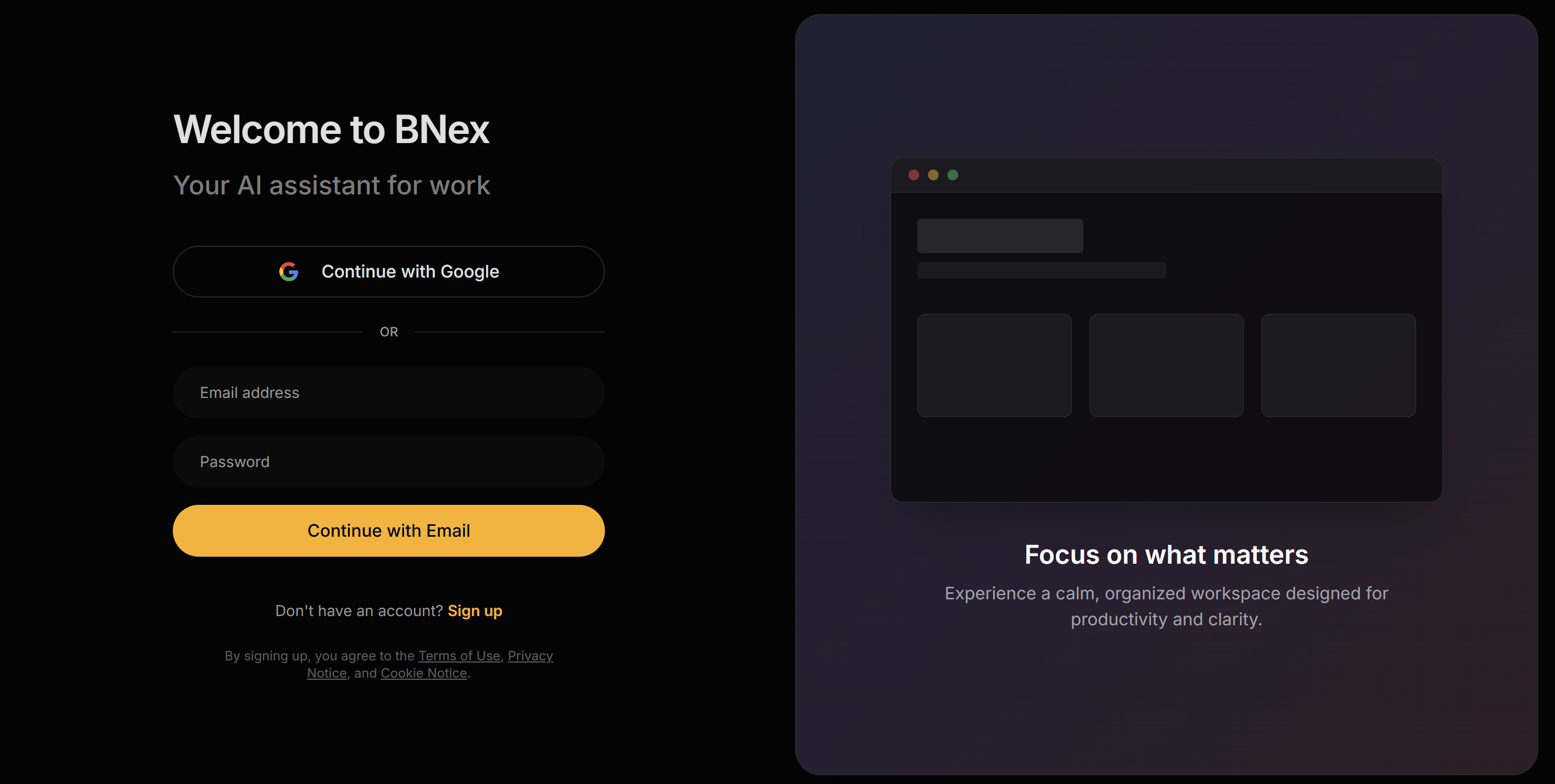
Step 1: Login to BillulloNex
Navigate to the application and ensure you are logged in.
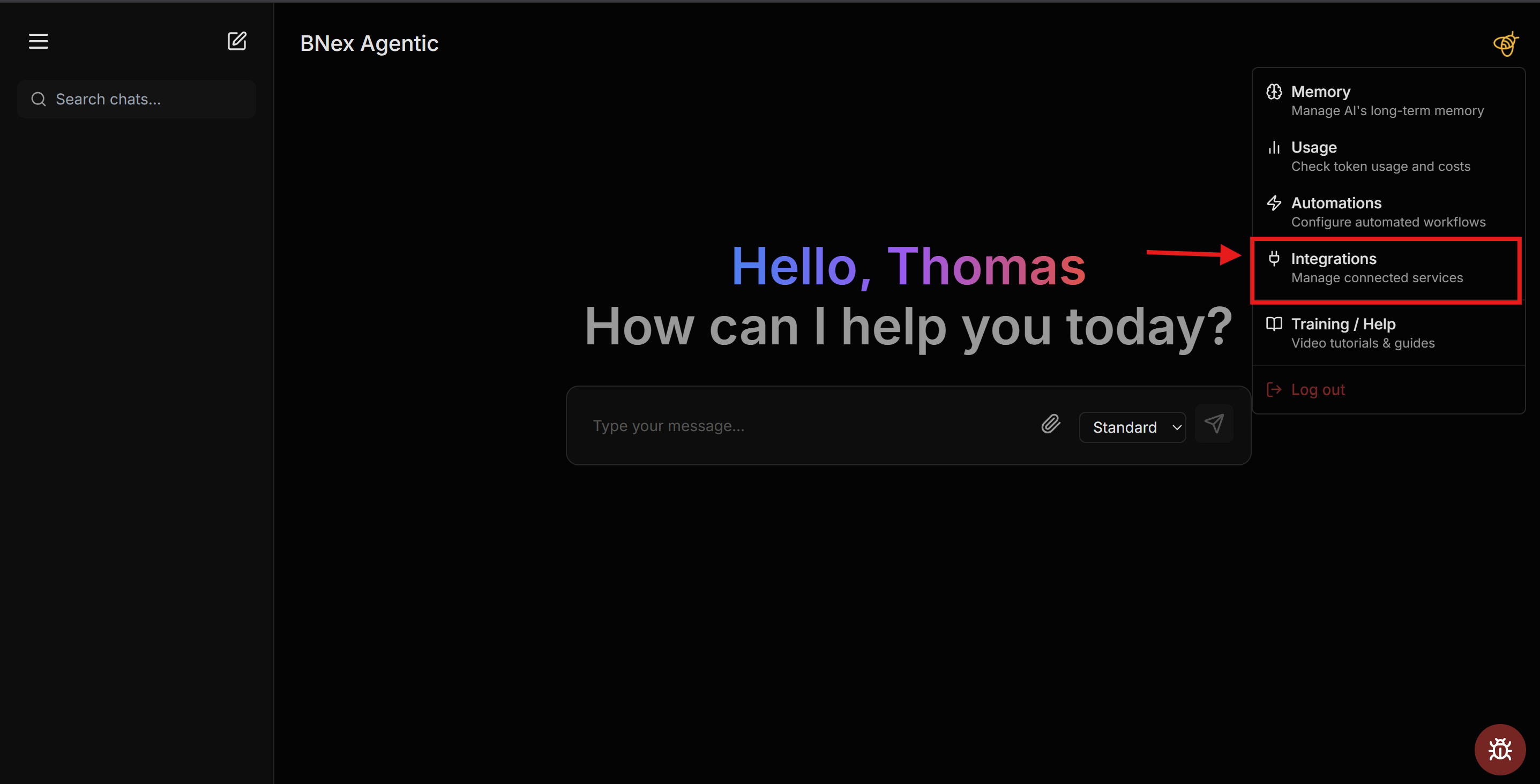
Step 2: Access Integrations
Click on your user avatar in the top right corner and select "Integrations" from the dropdown menu.
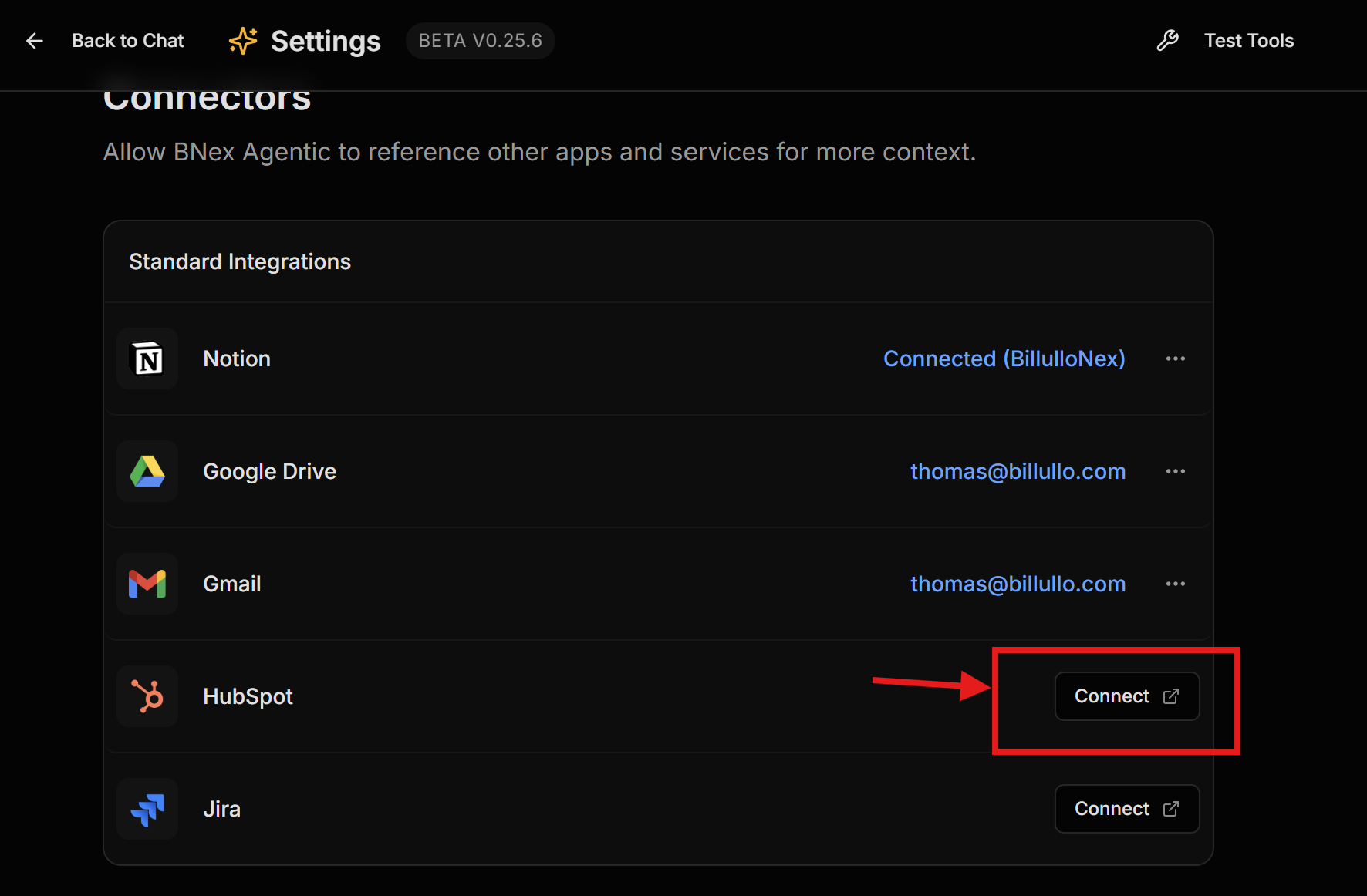
Step 3: Connect HubSpot
Find the HubSpot card and click "Connect".
Step 4: Authorize App
Select your HubSpot account and click "Connect App" to authorize permissions.
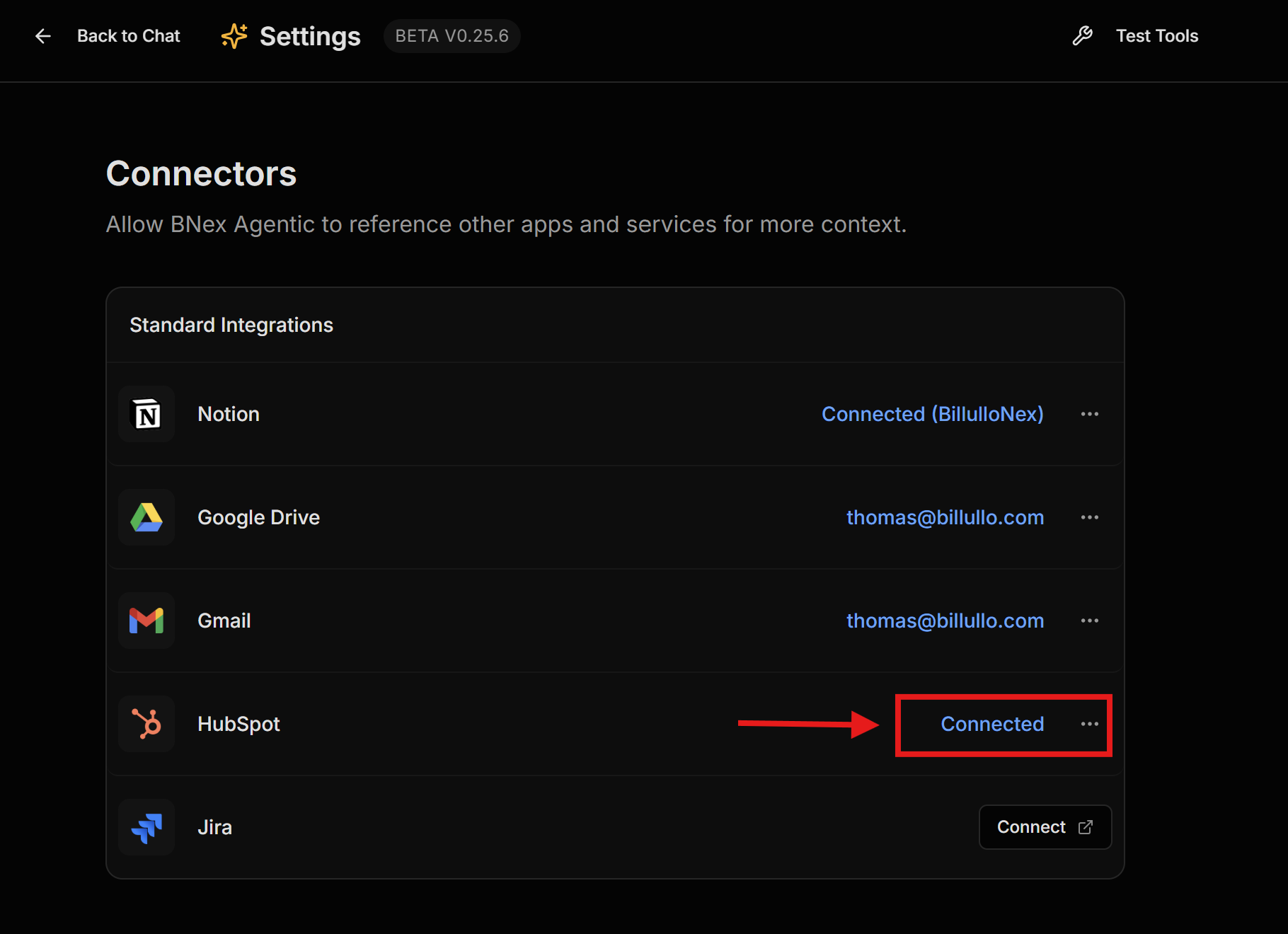
Step 5: Success
The HubSpot card should now show as "Connected".
Usage Guide
Interact with your HubSpot data directly through the main chat interface.
CRM Search
You can ask natural language questions about your CRM data.
- "Show me all contacts in the finance industry."
- "List companies created last week."
Cross-Platform Intelligence
Combine HubSpot data with other tools.
- "What is the status of the Acme Corp deal and show me the latest emails?"
Uninstallation
To disconnect, simply locate the HubSpot card in the Integrations page and click "Disconnect". This will revoke access tokens immediately.